
Every successful event, from an intimate wedding to a large corporate conference, is built on a foundation of impeccable organization. The cornerstone of that organization is a detailed, well-structured timeline. It transforms a chaotic list of to-dos into a clear, actionable roadmap, ensuring every vendor is booked, every detail is confirmed, and every moment unfolds seamlessly. But creating this roadmap from scratch can be a daunting task, consuming valuable time and energy. That's why a high-quality event planning timeline template is one of the most valuable tools in any planner's arsenal.
This guide is designed to save you from endless searching. We've curated a definitive list of the 12 best resources, from visually creative templates on Etsy and Canva to powerful project management dashboards in Asana and Smartsheet. For each platform, we'll provide a detailed breakdown with screenshots and direct links, analyzing specific use cases, key features, and practical limitations. Our goal is to help you find the perfect system to bring your event vision to life without missing a single beat. While these templates provide the structure, for broader guidance on orchestrating successful gatherings, you might find these additional event planning tips useful.
1. Etsy
Etsy is a massive creative marketplace that stands out for its sheer volume and aesthetic diversity of event planning timeline templates. Unlike dedicated software platforms, Etsy offers thousands of instant digital downloads created by independent designers, catering to hyper-specific themes from rustic weddings to sleek corporate conferences. This variety is its primary strength, allowing you to find a design that perfectly matches your event's branding.
Most templates are highly affordable, typically costing between $2 and $10. After purchase, you receive an immediate download link for files in formats like PDF, Google Sheets, or, most commonly, an editable Canva template. This allows for significant visual customization without needing advanced design skills. However, the quality can vary significantly between sellers, making it crucial to read recent reviews and check shop ratings before buying. While fantastic for printable, visually appealing schedules, these templates are mostly static files and lack the real-time collaborative features of project management tools unless edited within a shared environment like Google Sheets or Canva.
- Best For: Event planners needing a visually unique, printable, and highly stylized timeline on a budget.
- Not Ideal For: Teams requiring complex, dynamic, and collaborative project management features.
- Link: Etsy Event Schedule Templates
2. Canva
Canva is a powerful, user-friendly graphic design platform that has become a go-to for creating visually stunning and highly customized event planning timeline templates. Its main advantage is the intuitive drag-and-drop editor, which empowers non-designers to produce professional-quality documents. You can start with a blank canvas or browse a vast library of pre-made templates for everything from detailed wedding weekend itineraries to corporate event production schedules, and then tailor every element to match your event's branding.
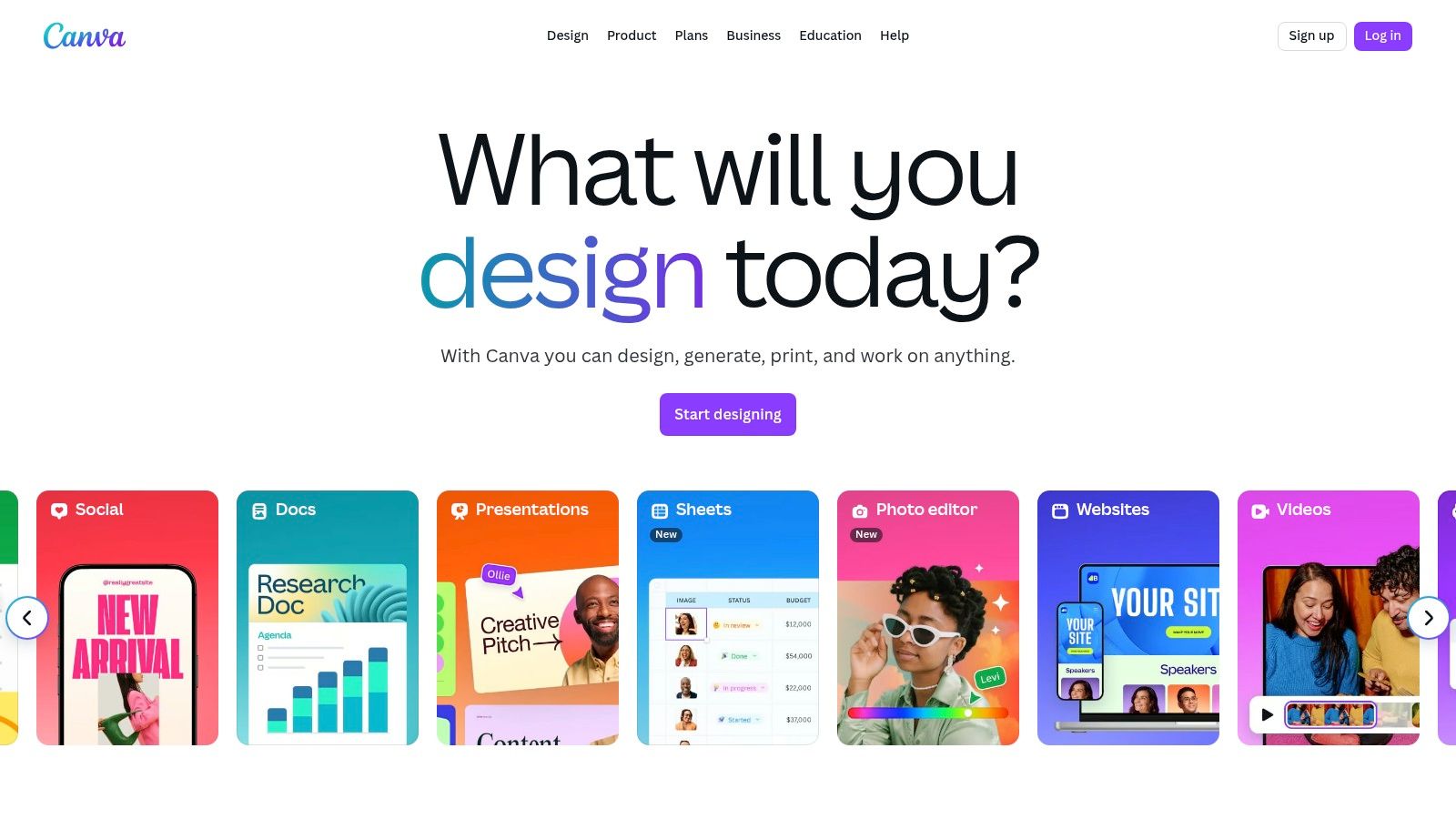
While the free version is incredibly robust, a Canva Pro subscription unlocks premium assets, brand kit features, and advanced exporting options. The platform excels at creating shareable and printable assets like PDFs or PNGs, and its built-in collaboration tools allow multiple team members to comment on and edit a design in real-time. However, it's primarily a design tool, not a project management system. It lacks the advanced dependency tracking and task management functionalities found in dedicated Gantt chart software, making it better for presentation-focused timelines than complex logistical planning.
- Best For: Individuals and teams wanting full creative control to design beautiful, brand-aligned, and easily shareable event timelines.
- Not Ideal For: Planners managing complex projects with task dependencies that require a dedicated project management tool.
- Link: Canva Timeline Maker
3. Smartsheet
Smartsheet offers a powerful hybrid approach, bridging the gap between simple downloadable templates and enterprise-grade project management software. It provides a collection of free, pre-built event planning timeline templates available in familiar formats like Excel, Word, Google Sheets, and PowerPoint. This allows users to quickly start with a structured plan without any initial cost or commitment, making it an accessible entry point for planners at any level. The templates cover various scenarios, from multi-month planning to a detailed day-of schedule.
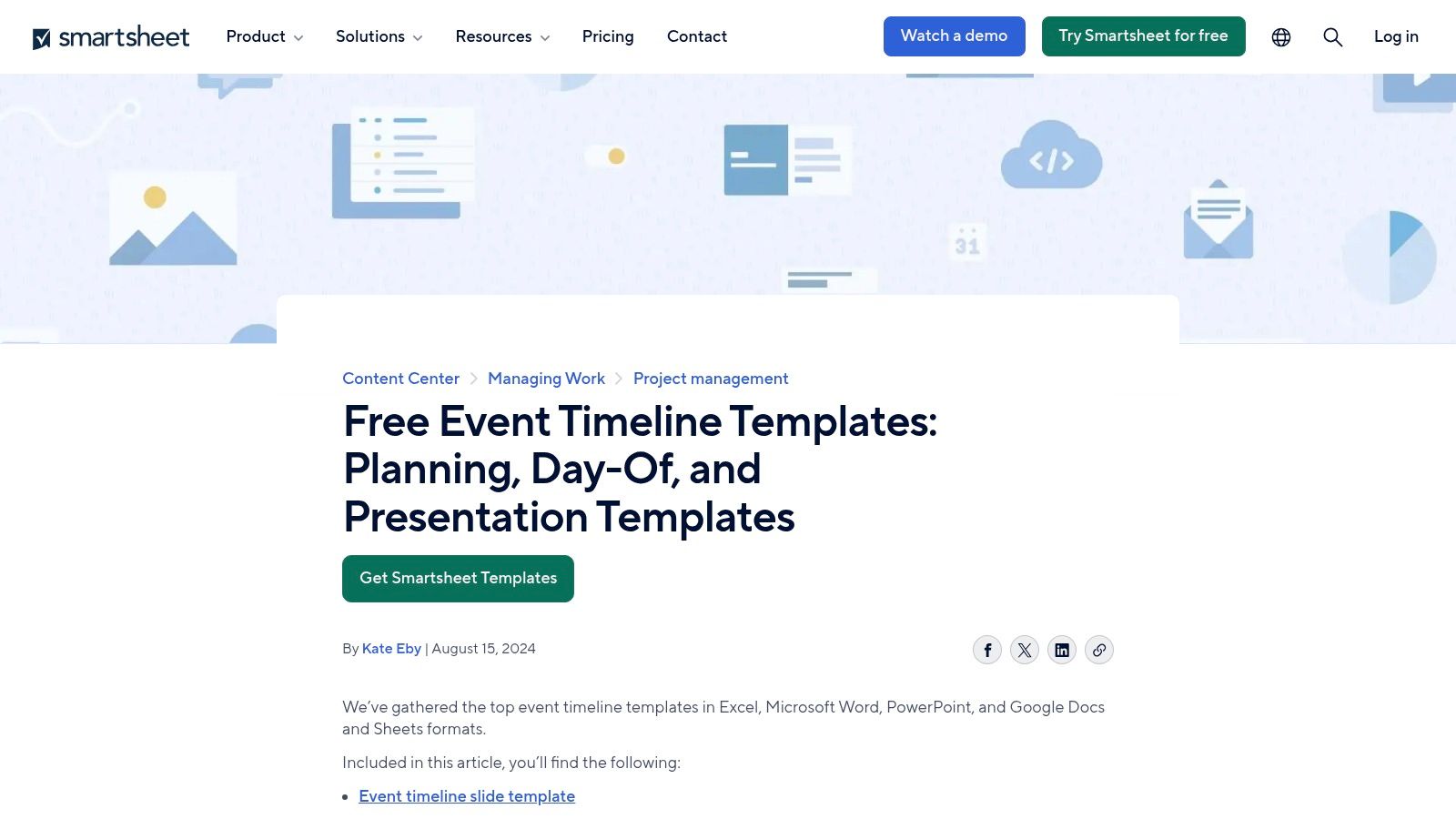
The platform’s true strength is its robust, spreadsheet-style core where these templates live. Unlike a static file, a Smartsheet timeline can be a dynamic, collaborative hub with features like task assignments, real-time status updates, and automated alerts. The visual Timeline and Gantt views transform your task list into a professional project schedule, ideal for tracking dependencies and milestones. However, accessing the full suite of advanced features like dashboards and automation requires a paid Business plan, and the interface has a steeper learning curve than a simple printable template. For large-scale events, like those detailed in this corporate photography guide, its capabilities can be invaluable.
- Best For: Teams managing complex events that require real-time collaboration, task tracking, and professional reporting.
- Not Ideal For: Individuals seeking a simple, visually stylized, and printable timeline for a small-scale event.
- Link: Smartsheet Event Timeline Templates
4. Office Timeline
Office Timeline specializes in creating professional, presentation-ready timelines directly within Microsoft PowerPoint. It stands out by offering a dedicated PowerPoint add-in that transforms static data into dynamic, visually impressive Gantt charts and timelines with just a few clicks. This is ideal for corporate event planners who need to present their event planning timeline template to stakeholders, executives, or clients in a polished, easily digestible format.
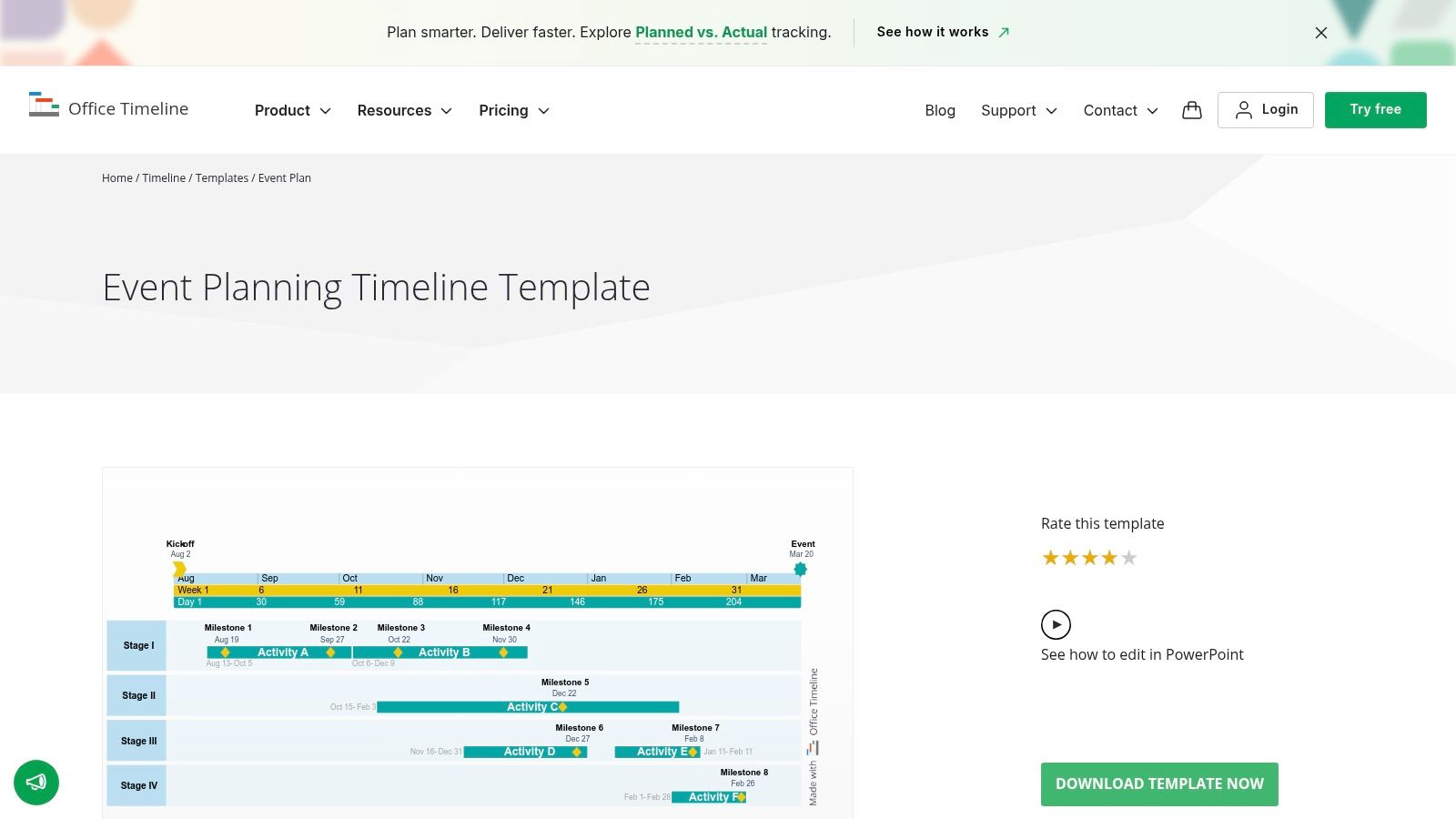
The platform offers a gallery of free, downloadable templates designed specifically for PowerPoint. While the free templates and the basic add-in are highly functional for simple projects, unlocking advanced features like task dependencies and swimlanes requires a paid plan. The primary strength of Office Timeline is its seamless integration into a familiar workflow, eliminating the need to learn new software while producing high-quality visuals. It excels at communicating high-level project milestones for presentations, a task often complemented by professional media coverage, which you can explore with commercial videography experts.
- Best For: Corporate planners and project managers needing to create executive-ready visual timelines for presentations in PowerPoint.
- Not Ideal For: Teams looking for a comprehensive, day-to-day event operations and task management tool.
- Link: Office Timeline Event Plan Templates
5. Asana
Asana is a powerful work management platform that excels at turning a static event planning timeline template into a dynamic, collaborative project. Instead of just a visual guide, Asana offers a free event planning template built around interactive tasks, dependencies, and real-time progress tracking. Its core strength lies in its Timeline view, a Gantt-style chart that visualizes how every task connects, making it easy to spot potential scheduling conflicts and adjust deadlines for the entire team.
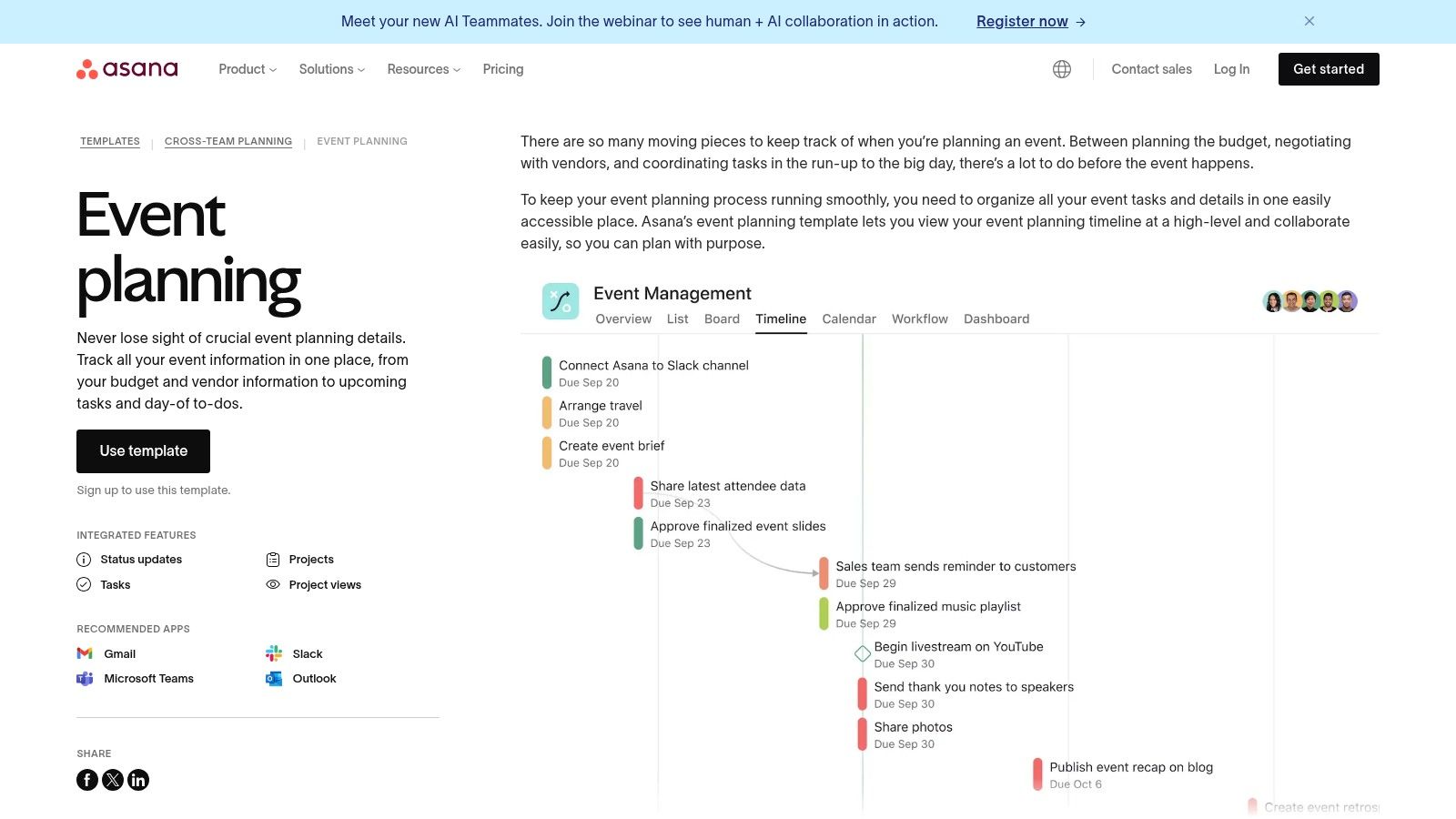
The platform requires a sign-up, and its free tier is robust enough for small to medium-sized events, offering task assignments, deadlines, and calendar views. Integrations with tools like Slack, Gmail, and Google Calendar streamline communication by keeping all event-related updates in one place. While the initial setup may be more involved than a simple download, the payoff is a centralized hub for execution. However, some advanced features like milestones are limited to paid plans, which might be a drawback for complex, multi-phased events. Explore how some planners leverage these tools for online wedding planning to get the most out of the platform.
- Best For: Teams that need a collaborative, dynamic, and task-oriented approach to event management.
- Not Ideal For: Individuals looking for a simple, printable, and highly visual timeline without team collaboration features.
- Link: Asana Event Planning Template
6. Wrike
Wrike elevates the concept of an event planning timeline template from a static document to a dynamic, collaborative project management powerhouse. It is designed for complex events that involve multiple teams, stakeholders, and dependencies. The platform’s core strength lies in its visual Gantt chart timelines, which allow planners to map out every task, set milestones, and clearly define dependencies, ensuring one delay doesn't derail the entire project. This makes it a professional-grade tool rather than a simple downloadable file.
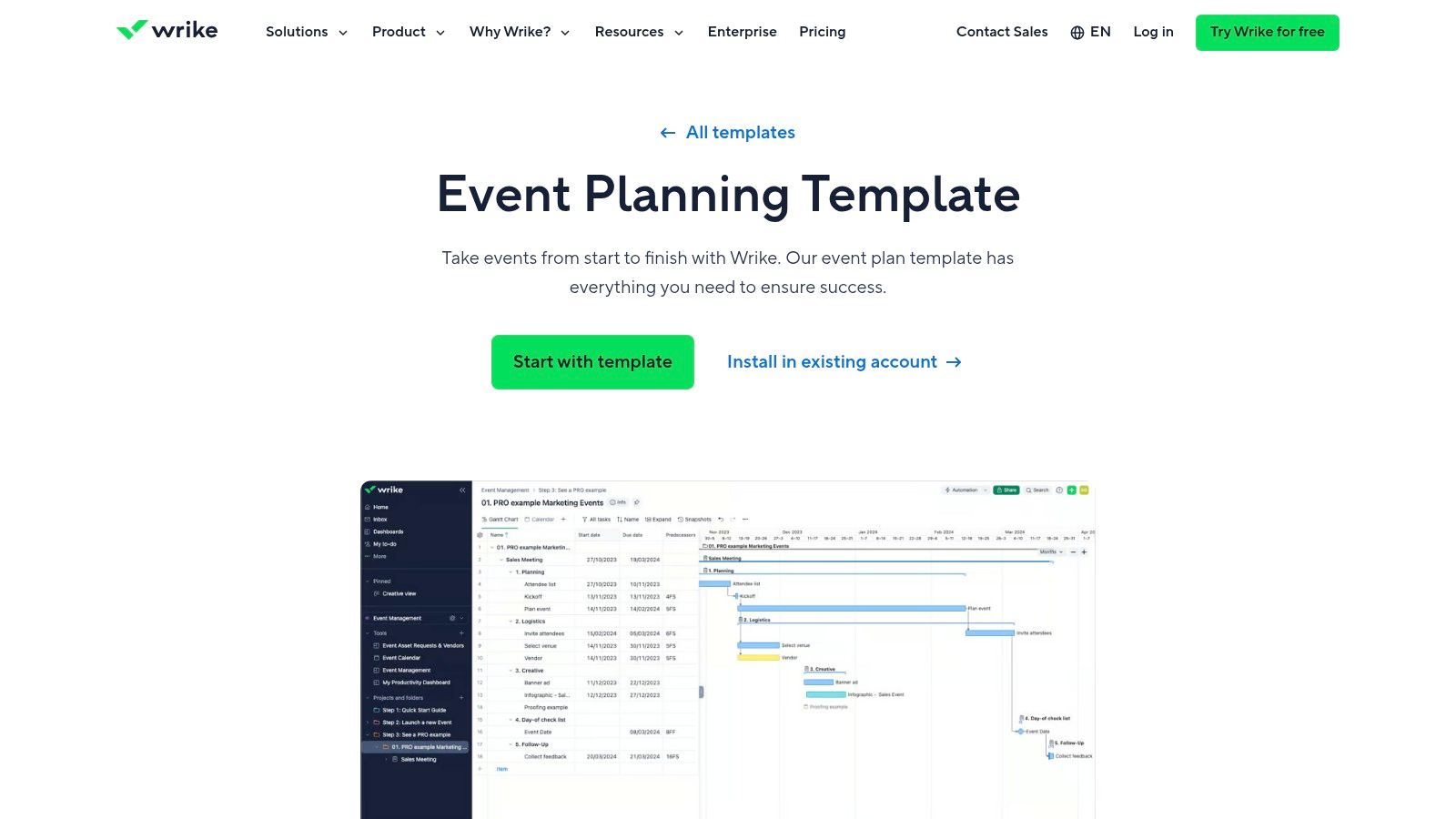
The platform is more than just a timeline; it's a comprehensive workspace. Features like request forms streamline the intake of new event briefs, while customizable workflows and automation handle repetitive tasks. Users can switch between multiple views, including Kanban boards, calendars, and tables, to suit their preferred working style. While a free plan exists, Wrike's most powerful features for event management are locked behind its paid tiers, making it a significant investment. The learning curve is also steeper than a basic spreadsheet, but for large-scale corporate events or festivals, its robust capabilities are invaluable.
- Best For: Professional event managers and large teams coordinating complex, multi-stage events with many moving parts.
- Not Ideal For: Individuals or small teams planning a single, simple event who only need a basic checklist.
- Link: Wrike Event Management Template
7. ClickUp
ClickUp positions itself as an all-in-one productivity platform, and its dedicated event planning timeline template reflects this comprehensive approach. Unlike simple spreadsheets, ClickUp provides a dynamic workspace where your timeline is a living document integrated with task management. It offers multiple views like Gantt, list, and calendar, allowing you to visualize dependencies and project flow in a way static templates cannot. The ability to add custom fields for budget, phases, and statuses turns a simple schedule into a powerful project management hub.
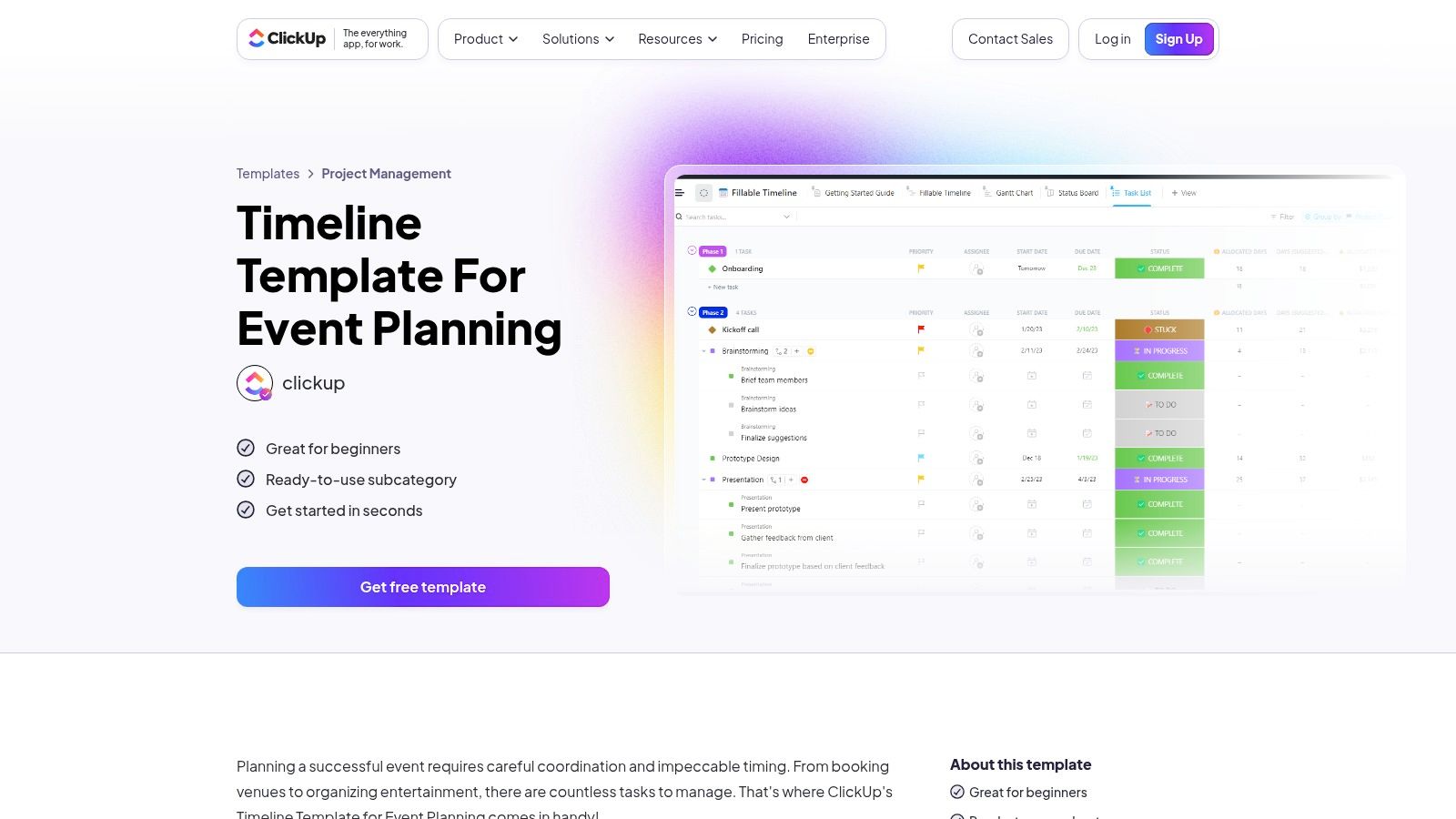
The platform's strength lies in its deep customizability and collaborative features, including comments, document attachments, and goal tracking directly within tasks. ClickUp offers a robust free tier that is more than sufficient for many individual planners or small events. However, its feature-rich environment can present a steep learning curve for new users who may find the interface initially overwhelming. While powerful, some of its most advanced automation and reporting features are reserved for paid plans, which may be a consideration for larger, more complex event operations.
- Best For: Tech-savvy planners and teams managing complex events who need an integrated, all-in-one project management solution.
- Not Ideal For: Users seeking a simple, printable, and visually straightforward timeline without a learning curve.
- Link: ClickUp Event Planning Template
8. Trello
Trello is a highly flexible, board-based project management tool that has become a favorite for its simplicity and visual appeal. While not a dedicated event planning platform, its Timeline view transforms its signature Kanban boards into a powerful event planning timeline template. This feature allows you to map out tasks, deadlines, and milestones chronologically, offering a clear, linear view of your event's entire lifecycle from initial brainstorming to post-event wrap-up.
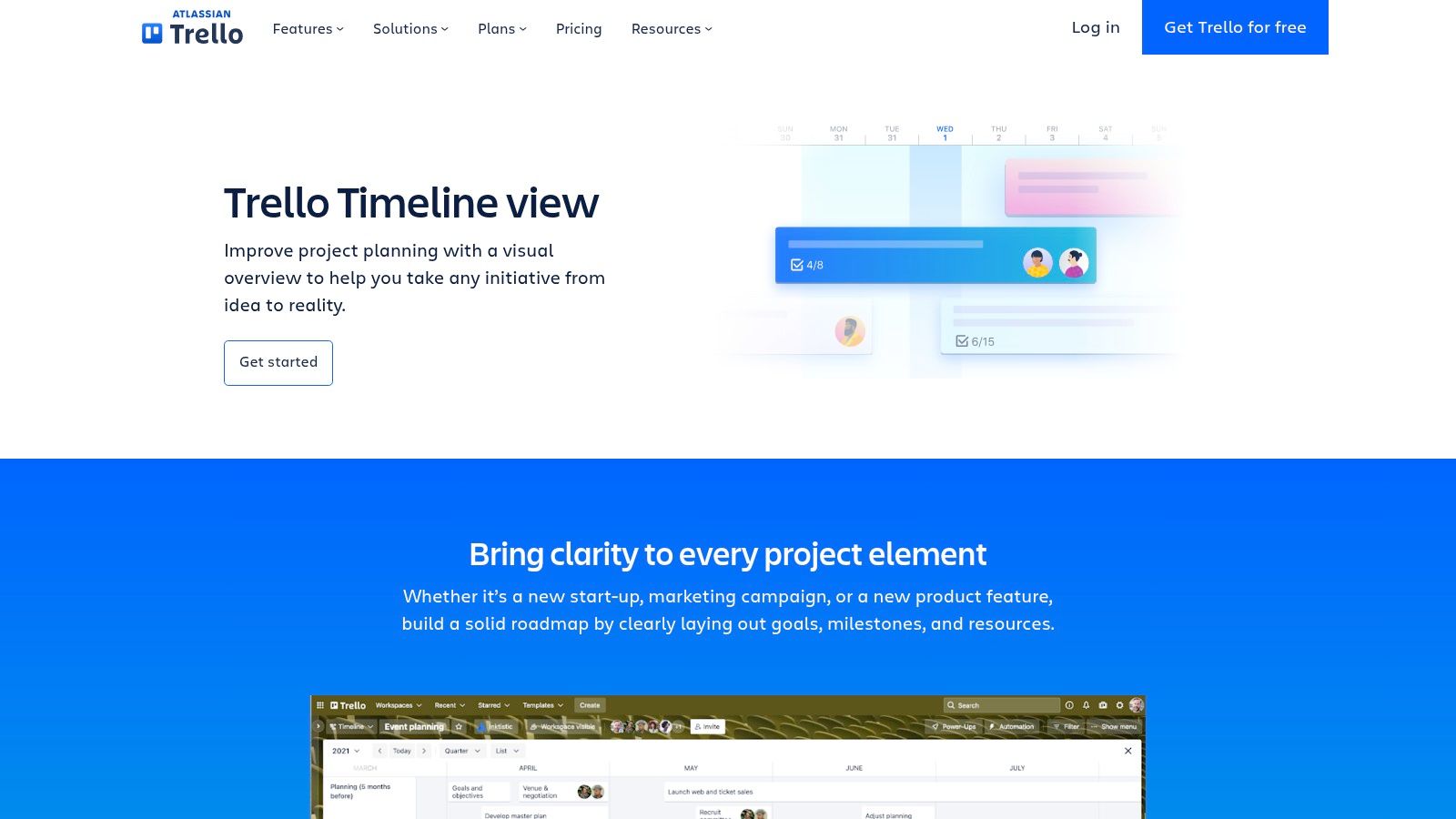
The platform’s strength lies in its drag-and-drop interface, making it incredibly easy to adjust schedules as plans evolve. While the free version is robust, more advanced timeline features like dependency management or Gantt charts require paid plans and the use of "Power-Ups" such as Planyway or BigGantt. Trello’s intuitive design and excellent mobile apps make it a superb choice for small teams or solo planners who need a collaborative, dynamic, and accessible tool to manage event tasks without a steep learning curve.
- Best For: Small teams and individuals needing a simple, visual, and highly flexible collaborative timeline.
- Not Ideal For: Planners requiring complex, built-in dependency management or detailed resource allocation out of the box.
- Link: Trello Timeline View
9. Eventbrite
Eventbrite, a leading platform for event ticketing and registration, also offers a valuable set of free, downloadable resources for event creators. Instead of a marketplace for stylized templates, Eventbrite provides practical, content-rich guides that include an event planning timeline template, a budget sheet, and a marketing plan. These resources are designed to integrate seamlessly with the platform's core functions, guiding planners from initial concept through post-event analysis.
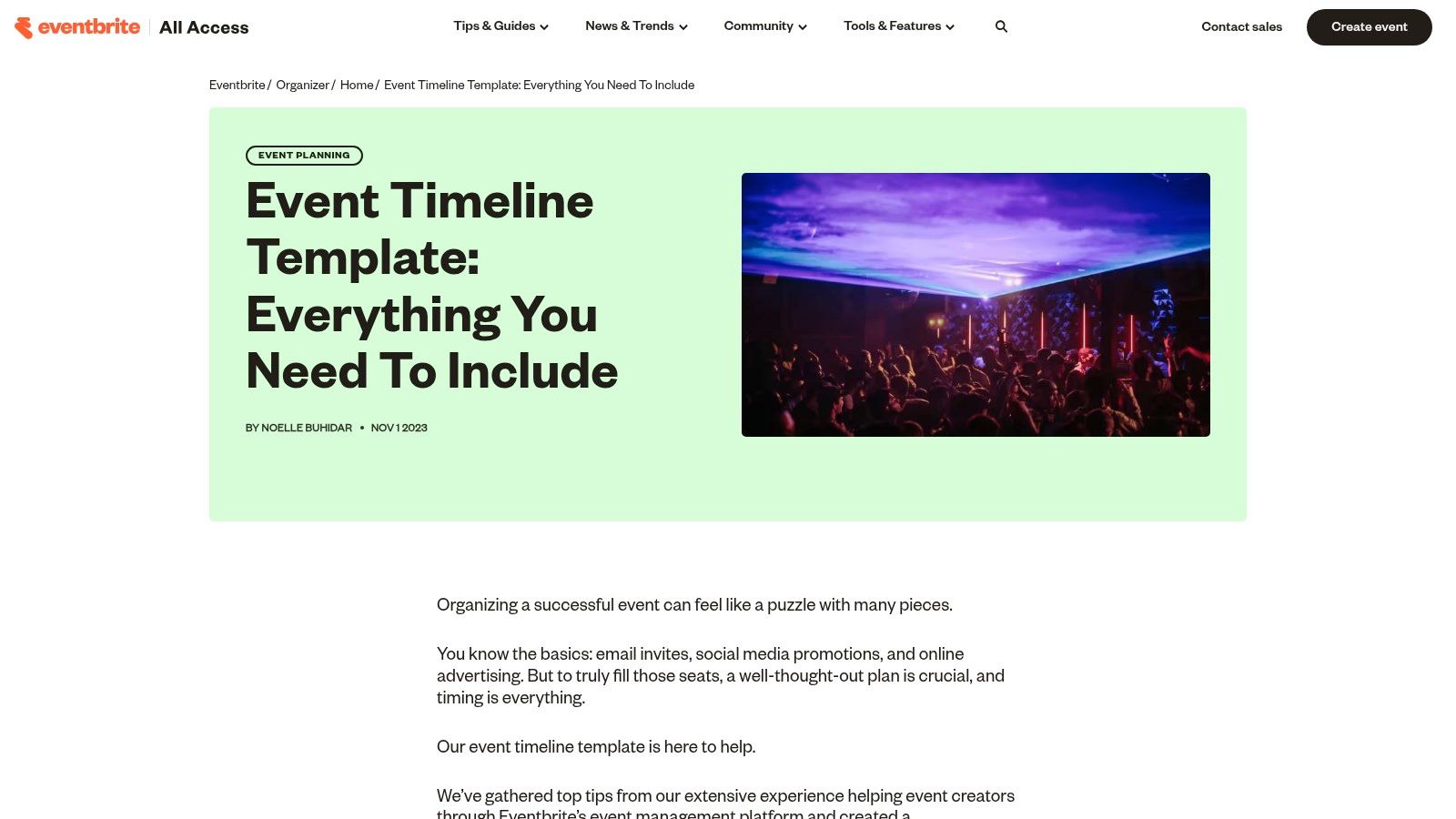
The primary strength of Eventbrite’s templates is their direct alignment with the real-world workflow of managing an event's lifecycle, from securing a venue to sending follow-up surveys. The provided guides are incredibly practical, offering checklists and tips based on timelines ranging from months out to the day of the event. While the documents themselves are static (like spreadsheets and PDFs), they serve as excellent foundational tools for organizers already using or considering the Eventbrite platform for ticketing and promotion. For those planning events, particularly in major cities, exploring popular venues can be a crucial first step that these timelines help structure.
- Best For: Event creators using the Eventbrite ecosystem who need a practical, free framework for planning, marketing, and execution.
- Not Ideal For: Planners seeking visually unique, highly customizable, or printable design-focused schedules.
- Link: Eventbrite Event Timeline Template
10. Template.net
Template.net serves as a practical library for professionally designed, ready-made documents, making it a strong source for an event planning timeline template. Its key advantage is the sheer variety of file formats available for a single design. You can download a timeline as a Word document, Google Doc, Excel spreadsheet, or even a PowerPoint presentation, allowing you to work in the software you are most comfortable with. This multi-format approach eliminates conversion issues and ensures immediate usability.
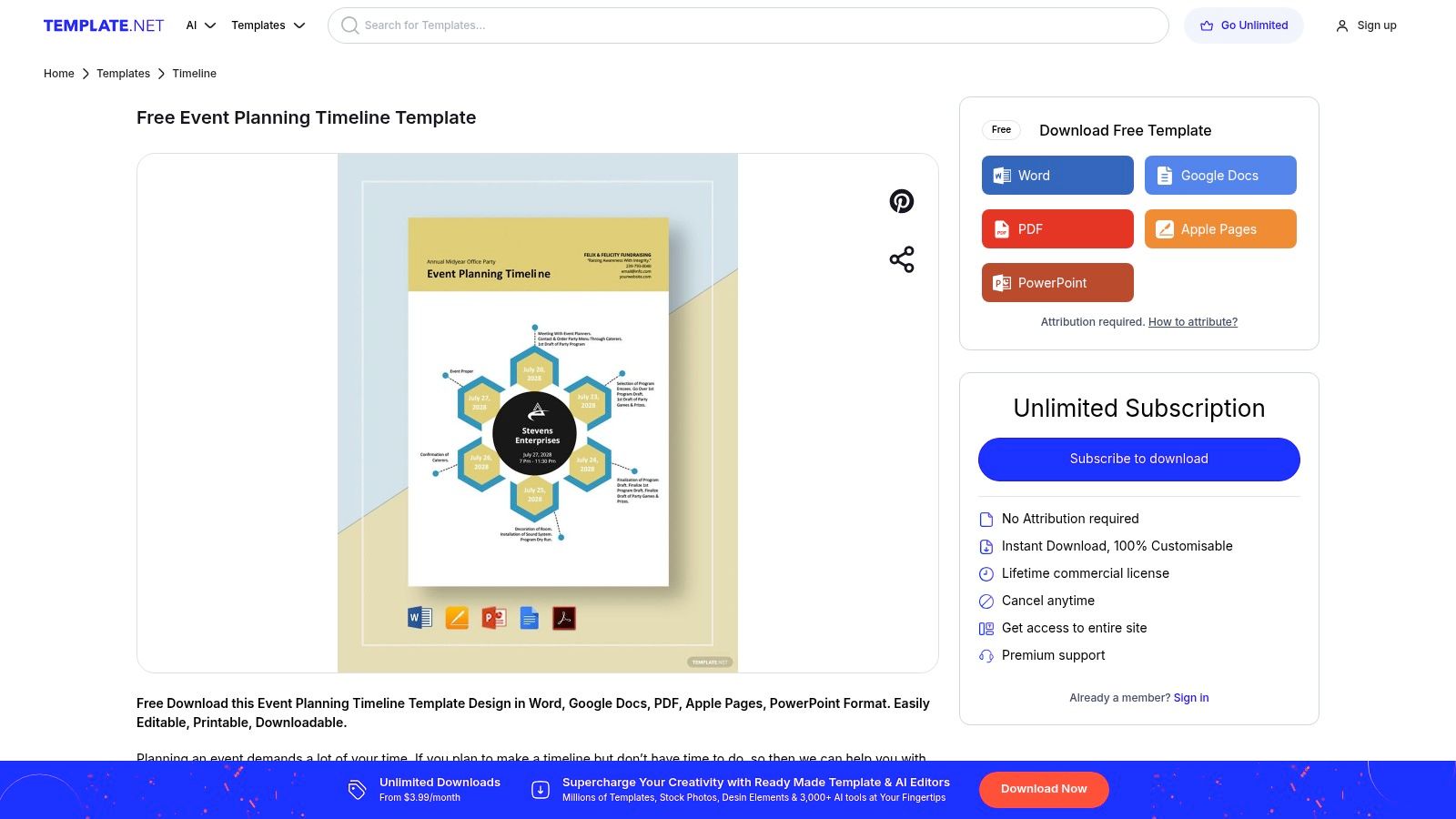
The platform offers a mix of free and premium templates, all of which come pre-filled with sample content that provides a solid structural foundation. You can make quick edits directly on their website using a built-in editor before downloading. However, while the templates are clean and functional, many of the more polished or complex designs are locked behind a subscription paywall. The overall design variety also feels more corporate and less creative compared to artist-driven marketplaces, making it better for professional rather than highly stylized personal events.
- Best For: Planners who need a functional, pre-structured timeline in a specific software format like Word or Excel.
- Not Ideal For: Users seeking unique, highly creative designs or those who want to avoid subscription fees for premium files.
- Link: Template.net Event Planning Timelines
11. Vertex42
Vertex42 specializes in a vast collection of free, high-quality spreadsheet templates, making it an excellent resource for planners who prefer working in Excel or Google Sheets. Its offerings, like the Project Timeline and Simple Gantt Chart templates, are exceptionally well-suited for creating a detailed event planning timeline template. The platform stands out by providing clean, professional, and macro-free files that are easy to use and modify, even for those with basic spreadsheet skills. Each download comes with clear instructions embedded within the template, explaining how to customize dates, tasks, and durations.
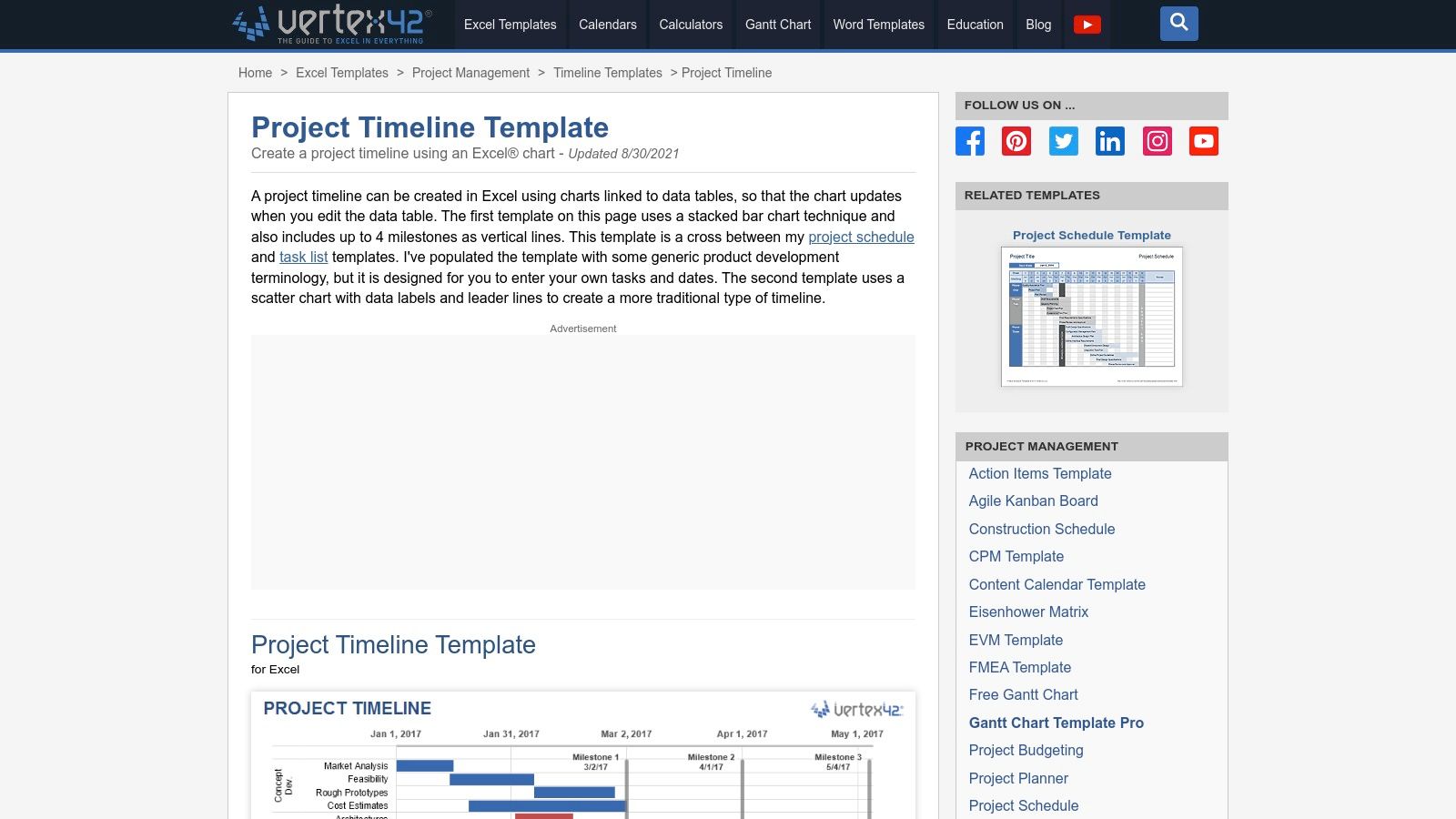
The primary advantage of Vertex42 is its cost-effectiveness and simplicity; every template is completely free for personal use. Because the templates are standard spreadsheet files, they are highly customizable for anyone comfortable with Excel formulas and formatting. This makes them perfect for building a granular, multi-phase plan from scratch. However, these templates lack the built-in, real-time collaboration features of dedicated project management software. Updates are manual, and sharing requires using the native collaboration functions of Google Sheets or sending updated Excel files back and forth, which can be cumbersome for large teams.
- Best For: Planners and project managers who are proficient in Excel/Google Sheets and need a free, powerful, and customizable timeline solution.
- Not Ideal For: Teams needing automated reminders, integrated communication, and real-time collaborative editing in a single platform.
- Link: Vertex42 Project Timeline Template
12. GanttPRO
GanttPRO offers a powerful, web-based solution for those who need a more dynamic and professional event planning timeline template. Unlike static downloads, GanttPRO is a full-fledged project management tool centered around interactive Gantt charts. Its ready-made template comes pre-populated with a typical event structure, allowing for immediate customization. The platform excels at visualizing task dependencies, where changing one deadline automatically adjusts all connected tasks, saving significant manual effort.
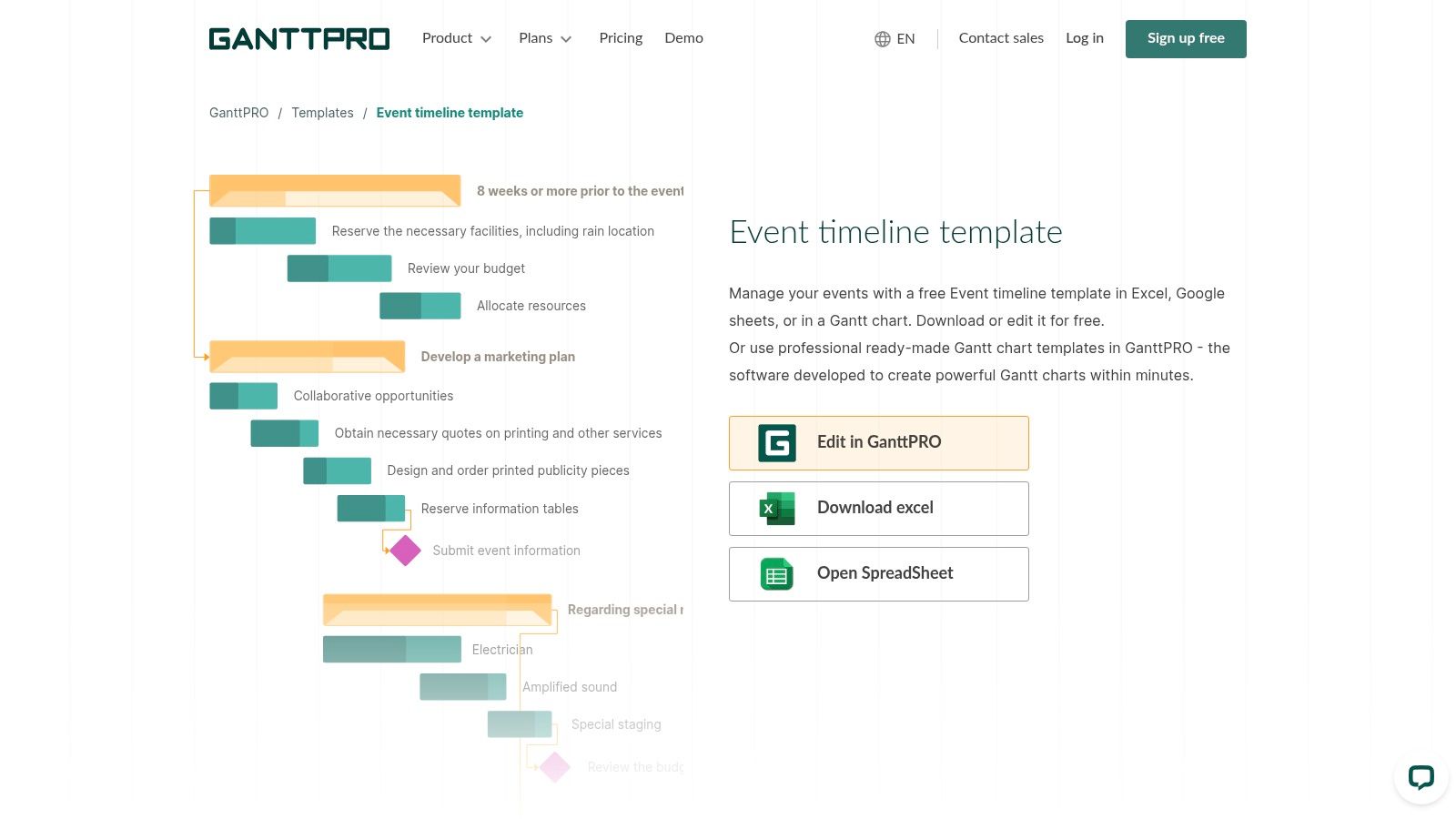
The drag-and-drop interface makes rescheduling simple, and features like resource and cost tracking are integrated directly into the timeline. While a free trial is available to test the features, ongoing access to its more advanced capabilities, such as team collaboration and detailed reporting, requires a paid subscription starting at around $7.99 per user per month. It's a robust tool that provides a significant upgrade from a simple spreadsheet or printable, offering a single source of truth for complex event logistics and team coordination. Export options to PDF and PNG are also available for sharing with stakeholders.
- Best For: Professional event managers and teams handling complex events with interconnected tasks and strict deadlines.
- Not Ideal For: Individuals needing a simple, free, or highly stylized printable checklist for a small-scale event.
- Link: GanttPRO Event Timeline Template
Event Planning Timeline Template Comparison
| Service | Core Features & Formats | User Experience & Collaboration | Value Proposition 💰 | Target Audience 👥 | Unique Selling Points ✨ | Price Range 💰 |
|---|---|---|---|---|---|---|
| Etsy | Thousands of downloadable templates (PDF, Canva, Sheets) | Static files, limited collaboration unless via Canva/Sheets | Huge variety, instant digital downloads | DIY event planners, designers | Niche styles, quick delivery ✨ | $2–$10 💰 |
| Canva | Drag-and-drop editor, 1M+ templates, export to multiple formats | Strong collaboration, brand kits, mobile/web apps | Easy customization for non-designers | Small teams, individuals, marketers | Extensive free tier, infographic builders ✨ | Free & Pro plans 💰 |
| Smartsheet | Spreadsheet-style timeline, pre-built templates, automation | Enterprise-grade collaboration & reporting | Free downloadable templates | Businesses, project managers | Gantt views, automation 🏆 | Free & Paid tiers 💰 |
| Office Timeline | PowerPoint event timeline and Gantt templates | Familiar PPT workflow, one-click styling | Free templates and add-in | Presenters, executives | PPT integration, executive-ready visuals ✨ | Free & Paid plans 💰 |
| Asana | Timeline view, milestones, dependencies, integrations | Strong collaboration, mobile support | Good free tier for team management | Teams, event coordinators | Integrated task & timeline management 🏆 | Free & Premium tiers 💰 |
| Wrike | Gantt charts, calendars, request forms, automation | Flexible multi-view interface | Strong for complex event mgmt | Large teams, enterprises | Request forms, automation capabilities ✨ | Paid plans mostly 💰 |
| ClickUp | Timeline/Gantt, lists, calendar views, custom fields | All-in-one workspace, collaboration | Strong free tier | Teams, project managers | Highly customizable templates ✨ | Free & Paid tiers 💰 |
| Trello | Board + Timeline views, drag-and-drop scheduling | Easy to adopt, flexible integrations | Simple for small teams | Small teams, startups | Power-ups for Gantt & time tracking ✨ | Free & Paid plans 💰 |
| Eventbrite | Downloadable timeline + marketing plan templates | Static docs, guided checklists | Free resources, real-world focus | Event creators, marketers | Integration with ticketing platform ✨ | Free 💰 |
| Template.net | Multi-format templates (Docs, Sheets, PPT, PDF) | Online editor, mix of free & premium | Professional starter files | Businesses, planners | Online editor, sample content ✨ | Free & Premium 💰 |
| Vertex42 | Excel/Google Sheets timelines & Gantt templates | No macros needed, clear instructions | Lightweight, free | Spreadsheet-focused planners | High-quality free spreadsheet templates ✨ | Free 💰 |
| GanttPRO | Drag & drop Gantt with dependencies, resource tracking | Full project mgmt, export options | Faster setup vs scratch | Project managers, event planners | Auto-scheduling, budget tracking 🏆 | Paid subscription 💰 |
From Template to Flawless Execution: Your Next Steps
We've explored a comprehensive landscape of tools, from the visual appeal of Canva and Etsy to the robust project management powerhouses like Asana, Wrike, and ClickUp. Each event planning timeline template offers a unique pathway to transforming a complex vision into a seamless reality. The core takeaway is that the "best" template is not a one-size-fits-all solution; it is the one that best aligns with the specific scale, scope, and collaborative needs of your event.
A simple, printable checklist from a source like Template.net or Vertex42 may be the perfect, uncomplicated tool for a family reunion or a small birthday party. Conversely, a multi-day corporate conference with numerous stakeholders, vendors, and marketing deadlines demands the sophisticated dependency tracking and resource allocation features found in platforms like Smartsheet or GanttPRO. The key is to honestly assess your requirements before committing to a tool.
Making the Right Choice: Key Considerations
Before you download or sign up, take a moment to reflect on these critical factors:
- Event Complexity: Are you managing a handful of tasks or hundreds of interdependent milestones? Be realistic about the level of detail you need to track. A simple Trello board can be overwhelmed by a complex event, while a detailed Office Timeline chart is overkill for a casual get-together.
- Team Collaboration: Will you be planning solo, or do you need to coordinate with a team, vendors, and clients? Tools like Asana and Wrike are built for collaborative workflows, offering features for task assignment, comments, and progress updates that are essential for keeping everyone aligned.
- Technical Comfort: Evaluate your own tech-savviness and that of your team. An intuitive, drag-and-drop interface like Canva's might be more effective for a less technical user than a feature-rich platform like ClickUp, which has a steeper learning curve.
- Integration and Promotion: Consider how your timeline connects with other event management activities. For instance, platforms like Eventbrite integrate registration and ticketing directly into your planning ecosystem. Similarly, a well-structured timeline should also account for promotional activities. The principles of structured planning are universal, and using a dedicated social media content planning template can work in tandem with your main event timeline to ensure your marketing efforts are perfectly timed and executed.
Ultimately, an event planning timeline template is your strategic roadmap. It’s the framework that provides structure, mitigates risk, and frees up your mental energy to focus on what truly matters: creating an unforgettable experience for your guests. By selecting a template that mirrors your event's specific demands and your personal workflow, you are setting the stage not just for a well-organized event, but for a resounding success.
Once your timeline is set and the big day is approaching, ensure every perfectly planned moment is captured forever. Candid Studios specializes in professional event photography and videography, turning your flawlessly executed plans into timeless visual memories. Visit Candid Studios to see how we can preserve the magic of your next event.